Your portfolio website is the difference between a client choosing you and choosing someone else. Freelancers with strong portfolios secure opportunities faster than those without one. A great portfolio does not just display your work, it builds trust, answers client doubts, and makes it easy for the right people to hire you. Whether you are a designer, writer, developer, or consultant, this guide covers the ten best free portfolio website builders so you can create a clean, professional online presence and start attracting the clients you deserve.
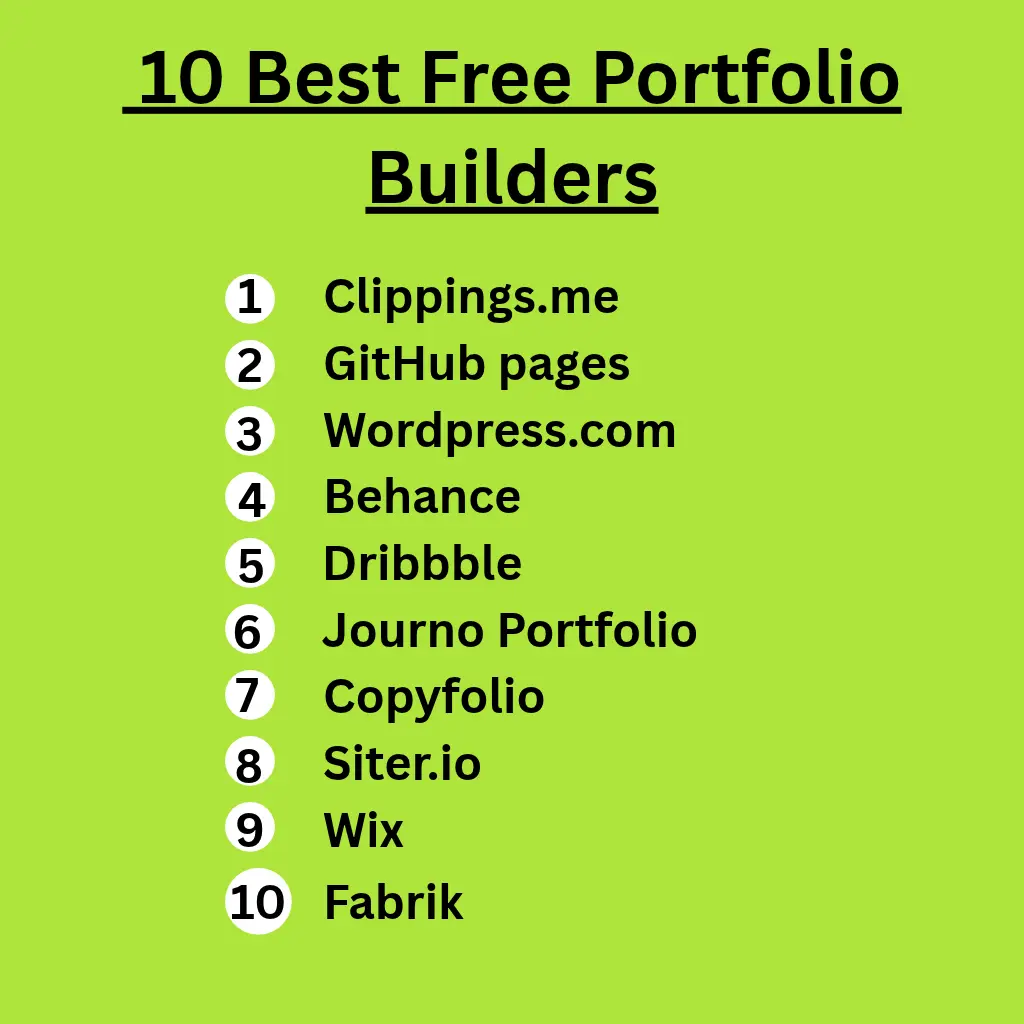
| website | Suited people to use it | Free Version |
| Clippings.me | Writers, journalists, bloggers, and content creators | Yes |
| GitHub Pages | Software developers, web developers, and computer science students | Yes |
| WordPress.com | Writers, bloggers, freelancers, and small business owners | Yes |
| Behance | Graphic designers, illustrators, photographers, and creative professionals | Yes |
| Dribbble | UI/UX designers, product designers, illustrators, and digital creatives | Yes |
| Journo Portfolio | Journalists, freelance writers, authors, and bloggers | Yes |
| Copyfolio | Copywriters, content marketers, social media managers, and UGC creators | Yes |
| Siter.io | UI/UX designers, freelancers, agencies, and Figma users | Yes |
| Wix | freelancers, consultants, and small businesses owners | Yes |
| Fabrik | Photographers, filmmakers, visual artists, designers, and creative studios | 14-day free trial |
1. Clippings.me
Clippings.me is an online portfolio builder designed specifically for journalists, bloggers, copywriters, and freelance writers. It lets you display articles, press releases, PDFs, and multimedia content without writing a single line of code or hiring a developer.
The free plan is a solid starting point. It lets you upload up to ten articles or work samples, add a profile photo, write a short bio, and include a custom header image. If you publish content on YouTube, Vimeo, or SoundCloud, you can embed it directly into your portfolio. Your portfolio lives on a Clippings.me web address and automatically adjusts for mobile devices, so clients browsing on their phones see a clean, professional page every time.
When you are ready for more flexibility, the premium plan that costs $9.99 per month removes the upload limit, it lets you connect a custom domain with your own name, and adds Google Analytics so you can track exactly who visits your portfolio and how they found you.
2. GitHub Pages
GitHub Pages is a free web hosting service that turns your GitHub repositories into live, publicly accessible websites. Among developers, it is one of the most recognized free portfolio builder platforms available. It lets you showcase not just the finished product but the actual code behind it, which is often what technical clients and hiring managers want to see.
One of its biggest advantages is automatic updates. Every time you push changes to your repository, your portfolio reflects those changes instantly with no extra steps or hosting fees. The service supports up to 1 GB of website storage and 100 GB of monthly bandwidth, which comfortably covers any personal portfolio. You can also connect your own custom domain and secure the entire site with free HTTPS encryption at no additional cost.
3. WordPress.com
WordPress.com is a hosted website portfolio builder that lets you create a professional portfolio without touching a server, managing hosting, or worrying about security updates. Unlike its self-hosted counterpart WordPress.org, WordPress.com handles all the technical infrastructure for you, which means you spend your time building your portfolio, not maintaining a website.
Writers, bloggers, freelancers, and creators lean toward WordPress.com because it pairs powerful content tools with a good publishing experience. The free plan gives you 1 GB of storage, a selection of professionally designed themes, and the WordPress block editor for building pages visually without code. Your site comes with a free SSL certificate and a wordpress.com subdomain, and all hosting, security, and software updates run automatically in the background.
The main limitation of the free plan is that it displays WordPress advertisements on your site, and you cannot install custom plugins or upload your own themes. If those limitations affect your plans, the personal plan at $4 per month removes the ads and unlocks a custom domain.
4. Behance
Behance is an online portfolio platform owned by Adobe, used by visual creatives worldwide to display artwork, design projects, photography, and motion graphics.
The free plan gives you a professional profile and lets you upload an unlimited number of portfolio projects including images, videos, and written case studies. You can engage with the creative community by commenting on projects, appreciating other creators’ work, and sending direct messages. Behance also runs a built-in job board where you can apply for freelance and full-time opportunities without leaving the platform.
For freelancers who want deeper analytics and a standalone website, the Pro plan starts at $9.99 per month. It gives you detailed visitor insights, a custom portfolio website through Adobe Portfolio with your own domain name, and removes Behance branding from your public profile entirely.
5. Dribbble
Dribbble is one of the world’s most popular portfolio platforms for designers. It covers UI/UX, graphic design, illustration, motion design, and brand identity. It combines a portfolio, a design community, and a job marketplace in one place, giving designers a single platform to showcase work, connect with other creatives, and attract client inquiries.
The free plan lets you upload your best design projects as images, GIFs, or short videos, creating a public portfolio that potential clients can browse at any time. You can also explore work from other designers, save inspiring projects, leave comments, and follow creators whose work you admire. Clients use the platform to post project briefs, giving you opportunities to pitch for freelance work directly.
Dribble has a Pro subscription at $8 per month which unlocks direct client messaging, full access to the job board, custom profile headers and domain linking, and improved visibility in search results helping recruiters discover your profile more easily.
6. Journo Portfolio
Journo Portfolio is a website builder designed specifically for writers. Although it started as a tool for journalists, it has grown into a platform used by copywriters, bloggers, photographers, authors, designers, videographers, and freelancers who need a simple way to display a portfolio and attract new clients.
The free plan is a strong starting point, especially if you are building your first portfolio. It lets you publish up to ten portfolio pieces. You also get a free Journo Portfolio subdomain, access to professionally designed themes, and tools to import published articles from supported websites automatically.
When you outgrow the free tier, the Plus plan at $6 to $8 per month removes the portfolio item limit, it lets you connect your own custom domain, automatically backs up screenshots of your published articles, and adds password protection for work you want to share privately with selected clients.
7. Copyfolio
opyfolio is a portfolio website builder created specifically for writers, marketers, and content-focused freelancers. Unlike general website builders that require you to figure out layout and design from scratch, Copyfolio guides you through the setup process from the start, this makes it possible to publish a professional portfolio in just a few hours.
The free plan lets you create and publish a basic portfolio. You choose from responsive templates, display your projects using text, images, videos, and external links, and use the built-in AI assistant to get basic branding suggestions tailored to your profile. Your site publishes on a copyfolio.io subdomain.
When you are ready to upgrade, Copyfolio’s paid plans let you connect a custom domain and unlock additional templates and customization tools.
8. Siter.io
Siter.io is a no-code website builder that gives you complete creative control over your portfolio without writing a single line of code. Its design editor mirrors the experience of working in Figma, which makes it particularly appealing to designers who want pixel-level control over how their portfolio looks rather than working within the constraints of preset templates.
The free Start plan lets you design websites with up to ten pages and include three contact forms per project. You also get unlimited draft websites, unlimited team members, access to the Figma plugin, free SSL certificates, custom fonts, and responsive design tools for mobile screens.
The free plan keeps your websites in draft mode. You cannot publish them live or connect a custom domain until you upgrade to a paid plan. This makes the free tier best suited for designing and testing before you commit.
9. Wix
Wix is a popular website builder to freelancers and small businesses. Its drag-and-drop editor keeps the design process intuitive, while built-in tools for blogging, contact forms, scheduling, and email marketing let you manage your entire online presence from one platform.
The free plan lets you build and publish a website at no cost. It includes hundreds of professionally designed templates, the full drag-and-drop editor, free web hosting, basic security features, 500 MB of storage, and 1 GB of monthly bandwidth.
In free plan mode, your site displays Wix advertisements, you use a wixsite.com subdomain instead of your own domain, and advanced features including online payments, booking tools, and Google Analytics are not available until you upgrade. Paid plans start at $17 per month billed annually.
10. Fabrik
Fabrik is a portfolio website builder designed specifically for photographers, filmmakers, designers, and artists. What makes Fabrik different from other website builders is its intelligent theming system. This system automatically adapts your portfolio’s layout to suit different types of creative work. Whether you upload photography, video reels, or design projects, the platform adjusts the presentation to match.
Fabrik does not offer a permanent free plan. However, you can try the platform free for 14 days without providing credit card details. This is enough time to build, test, and fully evaluate whether it suits your needs before subscribing. During the trial, you get access to all major features including professionally designed themes, media embedding from YouTube, Vimeo, and SoundCloud, flexible page layouts, and customer support.
The right portfolio website builder depends on your goals, budget, and the type of work you want to showcase. If you want complete creative freedom, GitHub Pages, Siter.io, and Wix offer plenty of flexibility. Writers and journalists may find Clippings.me and Journo Portfolio more suitable, while Behance and Dribbble are ideal for designers looking to join active creative communities. If simplicity is your priority, WordPress.com, Copyfolio, and Fabrik make it easy to build a professional portfolio without dealing with technical setup.
If you’re looking to strengthen your online presence further, you may also find these guides helpful:
- 10 Best Free Resume Builders 2026
- 10 Best Websites to Learn Digital Skills for Free
- Best AI Tools 2026 for Students, Freelancers, and Professionals
- Best Subreddits for Remote Jobs